Pricing & Production Policy
Transparent Rates, Detailed Terms, and Clear Expectations for Every Scanning Project.











Fuel Your Ambition, Ignite Your Dreams!
Success begins with a strong will and consistent effort. Every small step brings you closer to your goals. Believe in yourself, embrace challenges, and never give up. Start today and turn your dreams into reality!






















Fuel Your AMBITION, Ignite Your Dreams!
Success begins with a strong will and consistent effort. Every small step brings you closer to your goals. Believe in yourself, embrace challenges, and never give up. Start today and turn your dreams into reality!

Pricing, Production & Terms
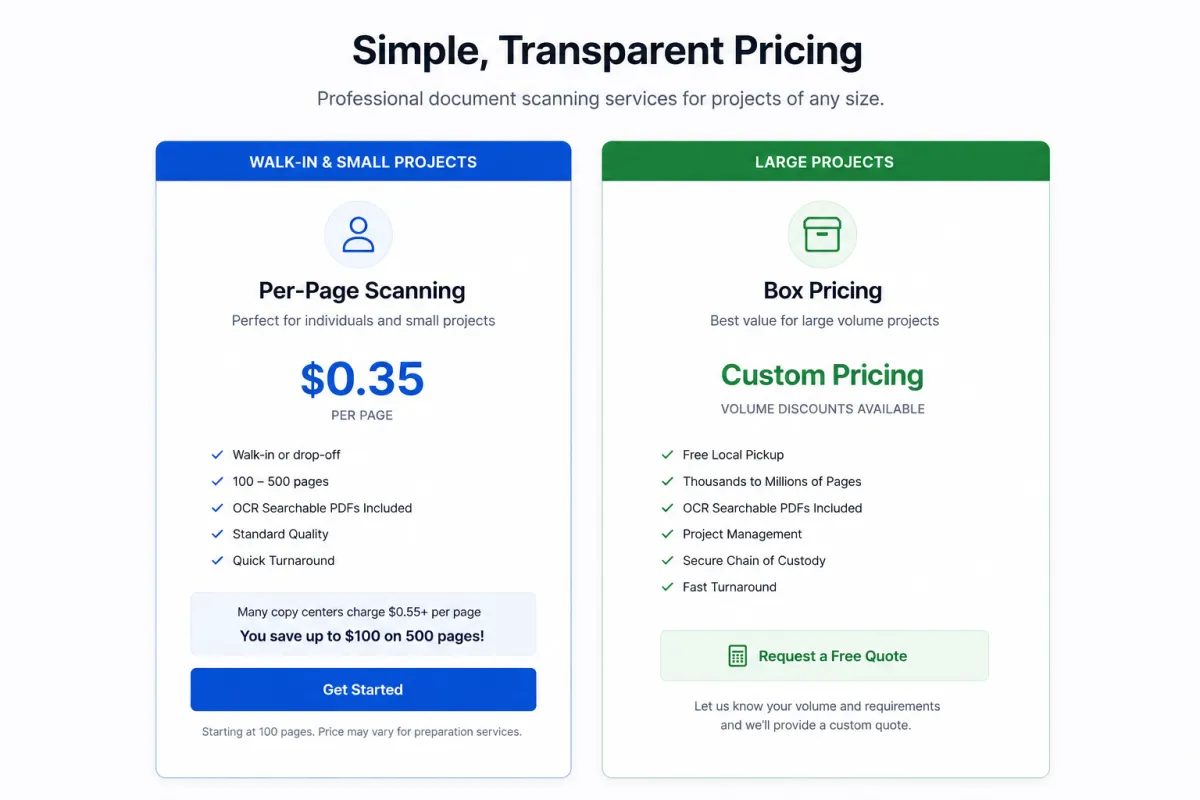
Effective Date: 01-01-2025
USA Imaging, Inc. provides high-quality document and photo scanning services using standardized procedures and transparent pricing to ensure fairness, accuracy, and efficiency. This policy outlines our box-based pricing model, applicable surcharges, document indexing standards, delivery fees, file access options, and post-project storage terms.





Standard Box Dimensions
All pricing is based on a standard storage box size of 10" x 12" x 15".
Box-Based Surcharges
Certain box conditions and contents require additional handling and are subject to surcharges as follows:
Oversized Box Surcharge
Any box that exceeds the standard size upon pickup will incur a 50% surcharge on the estimated price.Mixed Content Surcharge (50% Office Docs / 50% Receipts)
Boxes containing a 50/50 mix of office documents and receipts will incur a 50% surcharge due to additional prep work required.Receipt-Only Box Surcharge
Boxes containing only receipts are subject to a 100% surcharge (i.e., double the base price) due to the time-intensive preparation involved.Receipts require extensive handling, such as staple removal, flattening, and sorting due to their varied sizes, fragility, fading, and frequent discoloration.
Debris and Dust Cleaning Surcharge
If a box requires vacuuming or cleaning due to dust, cobwebs, or dead insects (e.g., spiders), a $45 per box charge will be added for contamination management.Toxic Hazard Surcharge (Rat Droppings)
If rat droppings or other biohazards are found in a box, a $100 per box surcharge will be added to accommodate toxic hazard intervention and protective cleaning protocols.Mold and Mildew Surcharge
If mold or mildew is detected inside any box or on its contents, a $100 per box surcharge will be assessed to cover safety precautions and containment measures.Wet or Moist Paper Surcharge
If documents are found to be wet or damp, requiring them to be aired out, separated, and dried, a $100 per box surcharge will apply due to the additional labor and equipment needed to stabilize the materials for scanning.
Handling of Binders, Folders & Sleeves
All binders, folders, plastic sleeves, and other document storage materials are discarded after scanning.
We do not recycle, return, or store these items unless otherwise requested in advance.
If you require these materials to be returned, they will be delivered back to you for a standard delivery fee of $75 per trip.
Document Indexing
USA Imaging performs folder-level indexing as part of every project.
Folder names are used to label corresponding digital files.
If documents are submitted loose or without an established folder/naming system, they will be scanned and labeled as “Miscellaneous”, to be renamed by the client after delivery.
Additional indexing or renaming services are available upon request and may incur additional charges.
Digital File Access & Remote Repository
USA Imaging offers access to your scanned documents through our secure remote file repository, available at no additional charge.
Files remain available for online access unless you request digital shredding.
If digital shredding is requested, your account and all digital documents will be permanently deleted and no longer accessible through the repository.
USB Media Charges
If digital files are to be delivered via USB or hard drive:
USB drives range from $10 to $55, depending on size and storage capacity.
If an external hard drive is required, pricing will range from $200 to $500, depending on the brand and specifications requested.
Delivery Charges
A delivery fee applies if materials (originals or USBs) need to be returned or delivered to the client:
Flat Rate Delivery Fee: $75.00 per trip
Post-Scanning Storage Policy
All boxes are stored at USA Imaging’s secure, climate-controlled facility for 30 days after scanning completion.
If no written authorization to shred is received within 30 days, a $2.50 per box, per day storage fee will be assessed.
Long-term storage agreements are available upon request. Monthly rates will be provided based on project volume.
Client Agreement
By proceeding with services from USA Imaging, Inc., the client acknowledges and agrees to this pricing structure, including all applicable surcharges, file handling terms, indexing rules, storage policies, and repository access conditions. All charges will be reflected in the final invoice and are payable by the client.
Learn More About Our Services
USA Imaging offers convenient photo scanning services to allows you to re-live and share your history effortlessly.
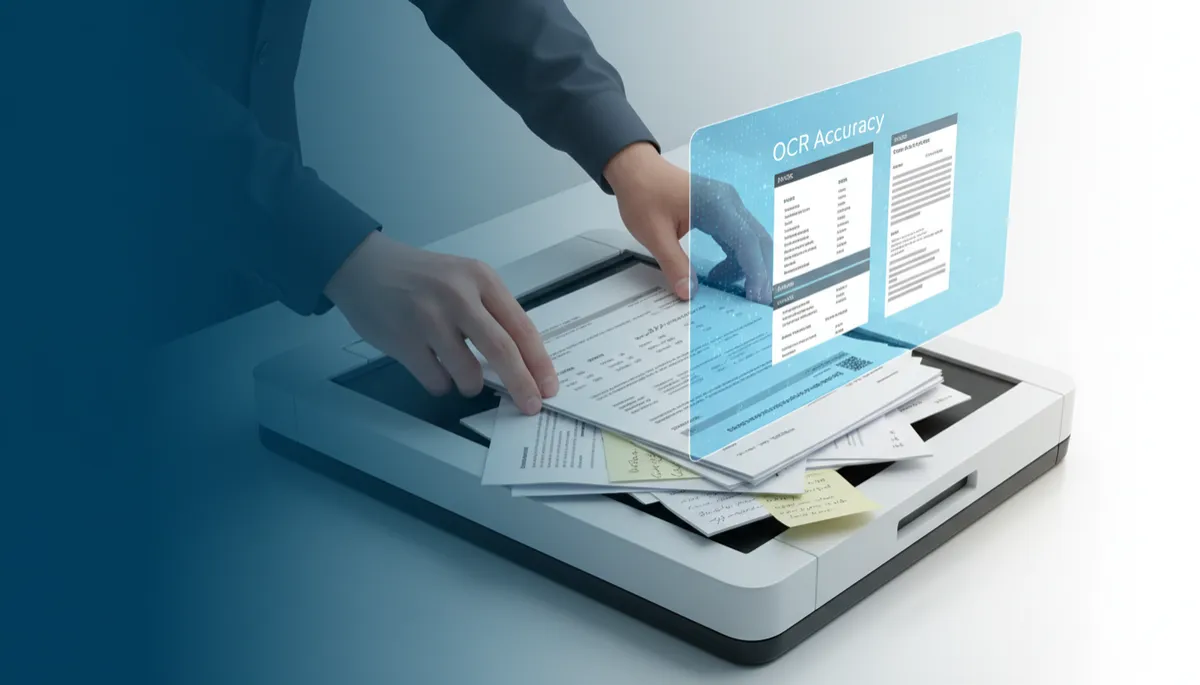
High-Quality Scanning Boosts OCR Accuracy
High-quality Scanning, Document Scanning, OCR Accuracy
Why High-Quality Scanning Matters for OCR Accuracy
Turning paper into searchable digital files sounds simple—just scan and run OCR, right? In reality, the quality of your scanning is the single biggest factor that determines whether your documents become reliable, searchable assets or frustrating, error‑filled files. For individuals, families, and small businesses across San Diego County, understanding why High-quality Scanning matters for OCR Accuracy can save hours of retyping, reduce stress, and protect important records for years to come.
What Is OCR, and Why Does Scan Quality Matter?
Optical Character Recognition (OCR) is the technology that “reads” text from scanned pages and converts it into searchable, editable data. When you type a name into a search box and instantly find the right PDF, that convenience is powered by OCR. But OCR software is only as good as the images it receives. If your Document Scanning produces dark, crooked, or blurry pages, the software has to guess what each character is supposed to be—and that is where errors creep in.
Think of OCR like a very fast, very smart person reading your documents through a camera. If the camera is out of focus or the page is covered in shadows, even the smartest reader will misinterpret letters and numbers. High-quality Scanning gives OCR software a clean, sharp page to work with, dramatically improving recognition accuracy.
The Hidden Costs of Poor Scan Quality
At first glance, it might seem that any scan is good enough—as long as you can “sort of” read it on screen. But when OCR runs on low‑quality images, the problems show up later, when you actually need to use the information.
Search results miss key documents: If names, dates, or invoice numbers are misread, your search will not find the right file when you need it most.
Time wasted correcting errors: Manually fixing OCR mistakes—especially on long legal, medical, or financial documents—can take more time than scanning correctly in the first place.
Compliance and accuracy risks: For healthcare, legal, or tax records, a single misread number or name can cause serious issues, from billing errors to compliance questions.
For families, poor scans can mean losing the details in old letters, handwritten recipes, or family records. For businesses in San Diego County, it can mean lost productivity and avoidable stress. This is why USA IMAGING, Inc. emphasizes professional Document Scanning standards before OCR is ever applied.
How High-Quality Scanning Improves OCR Accuracy
High-quality Scanning is about much more than just pressing “scan” at a higher resolution. It is a careful, step‑by‑step process designed to give OCR software the clearest possible image of your pages. Several key elements work together to boost OCR Accuracy.
1. Resolution: Enough Detail for Every Character
Resolution, measured in dots per inch (DPI), determines how much detail the scanner captures. Very low DPI can cause letters to appear jagged or incomplete, which confuses OCR. Professional Document Scanning for text typically uses 300 DPI or higher, which provides enough clarity for both printed and many handwritten documents without creating unmanageable file sizes.
2. Contrast and Brightness: Making Text Stand Out
OCR works best when there is a clear difference between the text and the background. If pages are scanned too dark, letters can bleed together. If they are too light, thin strokes may disappear. USA IMAGING, Inc. uses calibrated equipment and careful quality checks to ensure your pages have strong contrast, so each character is distinct and easy for OCR to recognize.
3. Straight, Aligned Pages: Avoiding Skew and Distortion
Crooked or skewed pages are another common cause of OCR errors. When text lines slant across the page, the software has to compensate, and character shapes can become distorted. Professional scanners with automatic straightening, combined with trained operators, help ensure that pages are properly aligned before OCR runs.
4. Clean Originals and Careful Preparation
Staples, paper clips, sticky notes, and dust can all interfere with high-quality Scanning. At USA IMAGING, Inc., document preparation is a critical part of the process. Pages are carefully removed from binders, flattened, and checked for tears or obstructions. This reduces jams and misfeeds, and it also keeps stray marks from being misread as punctuation or characters during OCR.
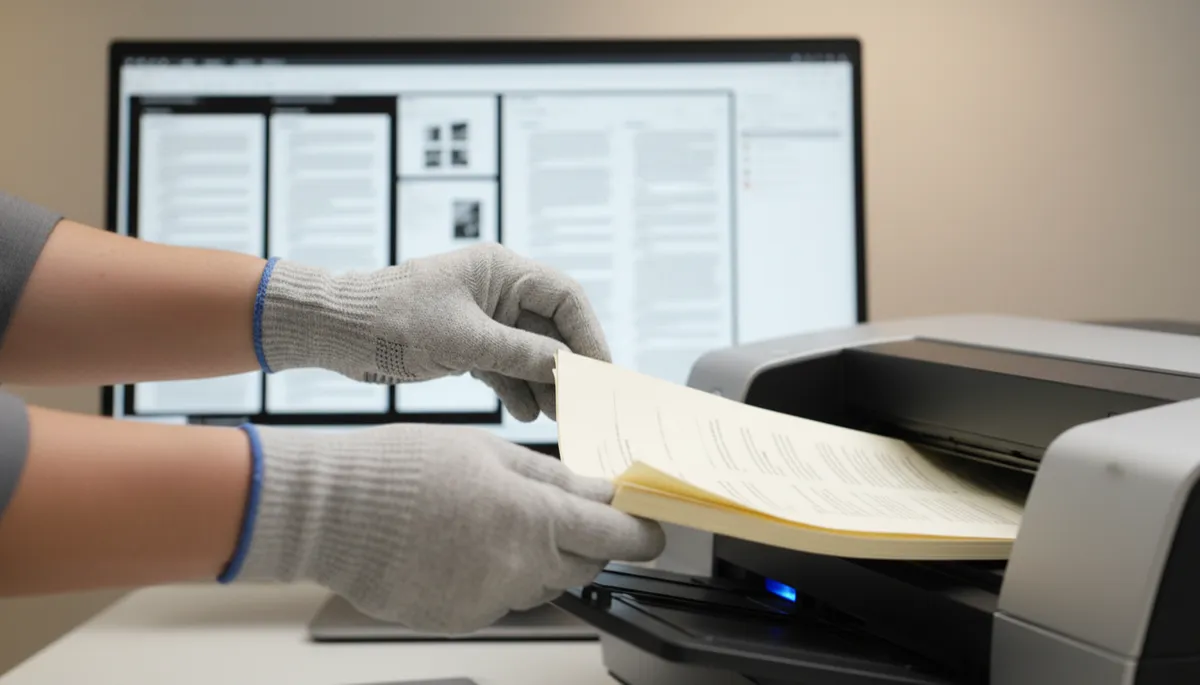
Proper document prep and clean scans dramatically reduce OCR errors and rework.
5. Choosing the Right Color Mode
Not every document should be scanned in the same way. Black‑and‑white scanning often works well for clean, printed text and keeps file sizes small. Grayscale or color scanning is better for documents with stamps, signatures, or faint handwriting. Selecting the correct mode is an important part of Document Scanning that supports strong OCR Accuracy, especially for medical charts, contracts, or historical records.
Real-World Impact: From Paper Piles to Searchable Records
For many individuals and families, the move from boxes of paper to organized digital files is about peace of mind. Birth certificates, medical records, home purchase documents, school records, and family letters all contain information you may need quickly and accurately. When those documents are scanned with care and processed with reliable OCR, you can search by name, date, or keyword in seconds instead of digging through folders and binders.
For local businesses in San Diego County—whether medical practices, law offices, financial advisors, or small contractors—the stakes can be even higher. Accurate OCR means being able to:
Locate a client file instantly during a phone call
Pull up all invoices for a specific vendor in seconds
Respond quickly to audits or legal requests with complete, accurate records
These benefits all depend on high-quality Scanning at the beginning of the process. Once a poor scan is created, OCR can only do so much to “fix” it. That is why USA IMAGING, Inc. focuses on getting the scan right the first time, combining professional equipment with experienced staff and strict quality checks.
Security, Confidentiality, and Accuracy Go Hand in Hand
When you hand over personal records or business files, you are trusting more than just the technology—you are trusting the people and the process. USA IMAGING, Inc. has served the San Diego region since 1991, with a focus on confidentiality, security, and accuracy. That includes HIPAA‑compliant handling for medical records and secure processes for sensitive legal and financial documents.
High-quality Scanning is part of that promise. Clear, accurate scans reduce the risk of misfiled information, missing pages, or unreadable sections. Combined with strong OCR Accuracy, this ensures your digital archive truly reflects the contents of your original paper files—no surprises, no gaps, and no guesswork when you search for important details.
📌 Key Takeaway: Once documents are scanned and shredded, you cannot go back to fix poor image quality. Investing in professional, high-quality Scanning up front protects your information for the long term.
When to Consider Professional Scanning and OCR Services
Home scanners and multifunction printers can work for occasional pages, but they often struggle with large projects, mixed document sizes, or fragile originals. If you are facing boxes of paper, or if the documents are sensitive or irreplaceable, professional Document Scanning is usually the safer and more efficient choice. A dedicated provider like USA IMAGING, Inc. offers:
High‑speed scanners that handle large volumes quickly and carefully
Trained staff who know how to prepare, scan, and review documents for best‑possible OCR Accuracy
Secure handling, from pickup to final delivery of your digital files
Whether you are a family organizing decades of records or a local business ready to move away from paper, partnering with an experienced scanning provider helps ensure that your digital files are accurate, searchable, and ready to support you for years to come.
Turn Your Paper into Reliable, Searchable Digital Files
High-quality Scanning is not just a technical detail—it is the foundation of trustworthy OCR and dependable digital records. Clear, well‑prepared scans give OCR software what it needs to recognize names, dates, and details correctly. The result is a digital archive you can truly rely on, whether you are searching for a single medical record, reviewing a legal file, or pulling up a treasured family document.
USA IMAGING, Inc. has been helping San Diego County residents and businesses make this transition since 1991, with a focus on accuracy, confidentiality, and customer service. If you are ready to convert your paper files into organized, searchable digital documents—with the high-quality Scanning and OCR Accuracy they deserve—our team is here to help.
Ready to get started? Reach out to USA IMAGING, Inc. today to discuss your project and Get a Quote. Together, we will turn your stacks of paper into a secure, efficient, and searchable digital library you can trust.

Better Scans. Better Quality. Better Service.
San Diego Document Scanning Experts Since 1991


© 2023 by USA IMAGING, Inc.. All rights Reserved. Powered by: Top Run Marketing.
Facebook
Instagram
LinkedIn
Youtube