EST.2001

PRESERVING YOUR PHOTOGRAPHS & MEMORIES

Photo Scanning Services in San Diego

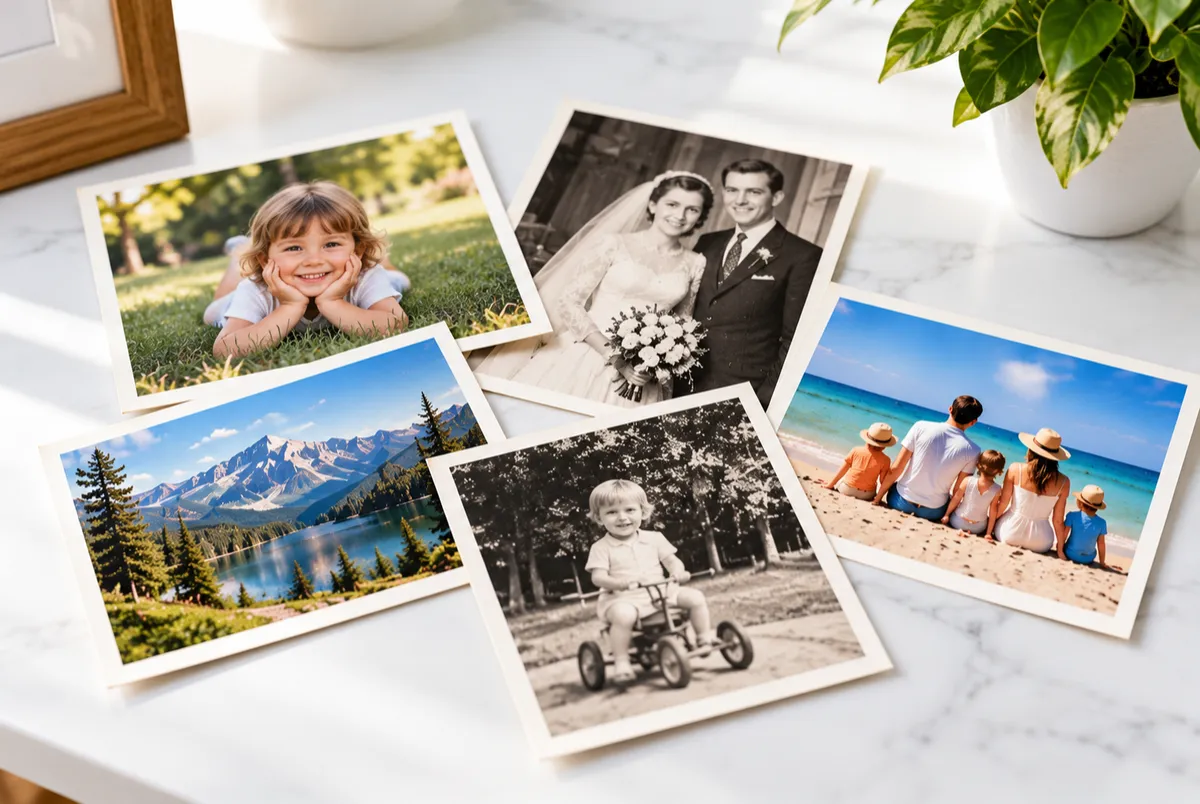
Your photographs capture moments, people, and memories that deserve to be preserved. Whether you have a shoebox of family pictures, carefully organized albums, or decades of printed photographs, we can help convert them into high-quality digital images. Our photo scanning services focus on capturing original colors and fine details, making your photographs easier to organize, share, and enjoy for generations to come.

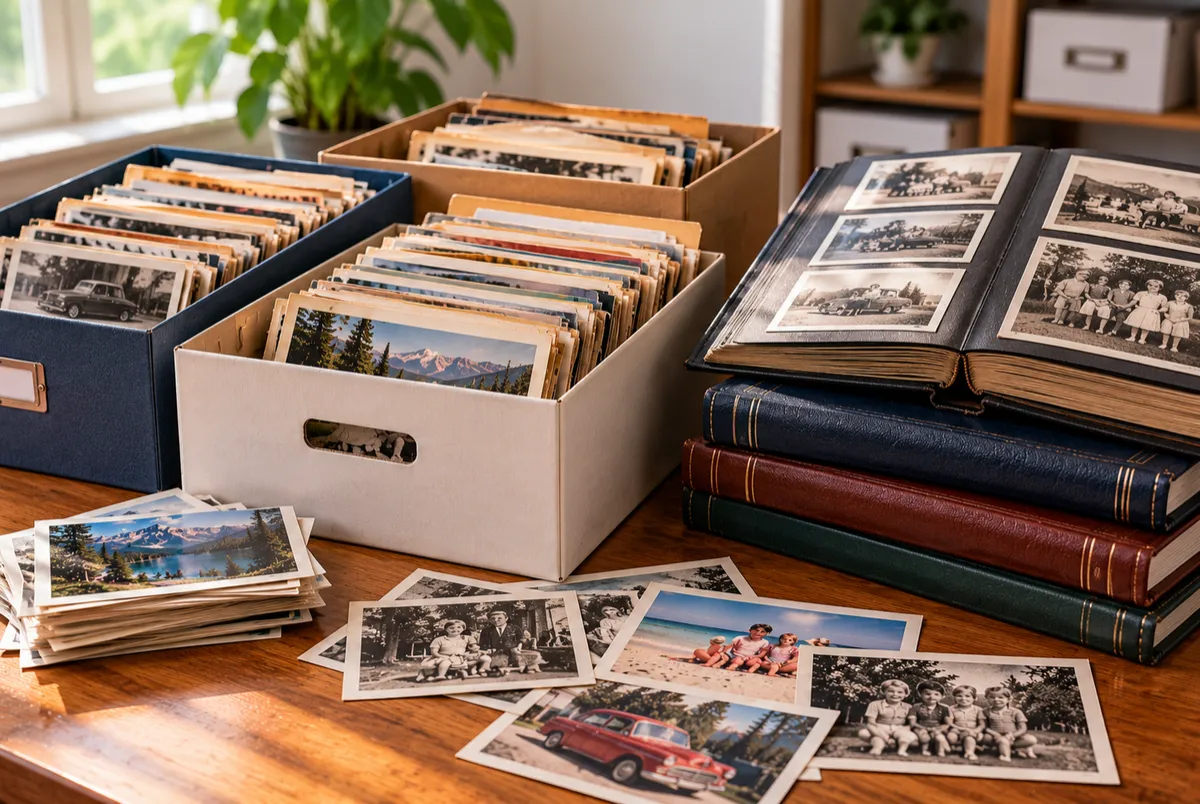
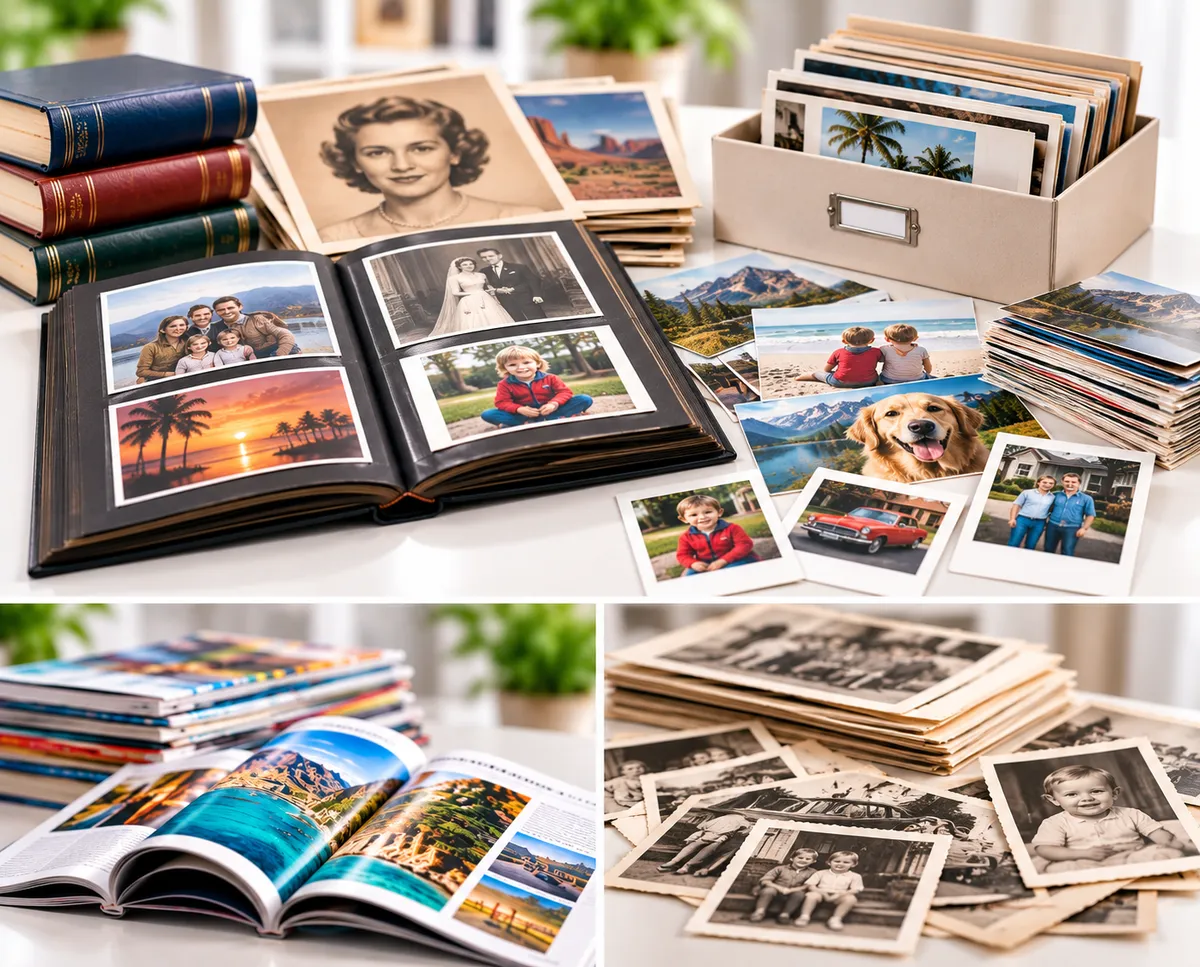
Collection of vintage family photographs, 5x7 prints, Polaroids, historical portraits, and photo albums representing photo scanning and digitization services in San Diego.

Preserve Your Photos. Share Your Memories.

Your photographs tell the story of your family, capturing people, places, and moments that may never be repeated. Digitizing these pictures makes it easier to revisit old memories, share them with loved ones, and organize collections that have accumulated over generations. Whether your photos are stored in albums, envelopes, or boxes, we help turn them into digital images you can enjoy for years to come.

Preserve Your Memories

Create digital copies of family photographs, childhood memories, and irreplaceable pictures before further aging or damage.

Easy Sharing

Share photographs with family and friends through email, digital albums, and online photo collections.

Reduce Physical Storage

Digitize boxes and albums of photographs while keeping your originals, donating them, or storing them more efficiently.

Organized Photo Collections

Arrange scanned photographs into folders by album, event, family member, or another structure that works for you.

Image Quality & Detail

Capture original colors and photographic details using suitable scanning resolutions and image settings.

Digital Backup & Protection

Maintain additional copies of your digital photographs to help protect your collection against accidental loss or damage.

FROM PRINTED PHOTOS TO DIGITAL IMAGES

How Our Photo Scanning Process Works

From preparing and scanning your original photographs to quality review and digital delivery, each step is designed to turn your collection into organized, accessible digital images

01

Photo Intake & Preparation

We review your collection, organize photographs for scanning, and carefully remove loose surface dust and debris when appropriate.

02

High-Resolution Photo Scanning

Photographs are digitized using suitable resolutions and color settings to capture original colors, details, and image quality.

03

Quality Review & Organization

Scanned images are checked for clarity, cropping, and orientation, then organized into clearly named files and folders.

04

Digital Delivery

Your completed photographs are delivered through a secure download or USB drive, ready to view, share, and preserve.

My Photo Collection Albums Family Vacations Holidays Old Photos
‹ ›
Drag the slider to see printed photos become digital memories.

PHOTO SCANNING OPTIONS

Choose the Right Photo Scanning Service

Whether you're digitizing hundreds of family photographs or a handful of treasured prints, choose the scanning option that best fits your collection size and needs.

Office and business document scanning in production facility

Shoebox Photo Scanning

Designed for larger collections of loose photographs, shoeboxes, and photo albums, offering an economical way to digitize hundreds or thousands of treasured family pictures.

  • Bulk scanning for larger photo collections

  • Loose photographs and photo albums accepted

  • Multiple scanning resolutions available

  • Sequential file naming and organized folders

  • Shoebox size: 12" × 7" × 5"

Secure medical records and patient chart digitizing

Individual Photo Scanning

Ideal for smaller collections or selected photographs, our Pay-Per-Photo Scanning service offers flexible pricing based on the number of photos scanned, with multiple resolution options and organized digital delivery.

  • Ideal for smaller collections or selected photographs

  • Pay only for the photographs scanned

  • Various photo sizes accepted

  • Multiple scanning resolutions available

  • Sequential file naming and organized digital delivery

Preparing Your Photos for Scanning

Simple preparation tips for organizing loose photographs, shoeboxes, and photo albums before scanning.

UNDERSTANDING DIGITAL PHOTO FORMATS

JPG, TIFF or PNG: Which Is Best for Your Photos?

The right file format affects image quality, storage space, and long-term preservation. Compare JPG, TIFF, and PNG to understand their differences and choose the best format for your scanned photographs.

JPG

JPG / JPEG

Compressed Photo Format

Typical File Size Smaller
Efficient storage for large photo collections.
  • Smaller, manageable file sizes
  • Widely supported across devices
  • Easy sharing and online viewing
  • Excellent quality at high settings

Uses lossy compression. Repeated editing and resaving can gradually reduce image quality.

Best For

Family photographs, digital albums, everyday viewing, and sharing.

TIFF

TIFF

Archival Image Format

Typical File Size Larger
Greater storage requirements for archival files.
  • Supports lossless image storage
  • Preserves captured image information
  • Suitable for extensive image editing
  • Widely used for archival master files

Generally produces larger files and may require specialized software for viewing or editing.

Best For

Archival preservation, historical photographs, and high-quality editing masters.

PNG

PNG

Lossless Digital Image Format

Typical File Size Medium–Large
Often larger than JPG for photographic images.
  • Lossless image compression
  • No additional compression loss when resaved
  • Supports transparent backgrounds
  • Useful for graphics and text-based images

Typically requires more storage than JPG. Less commonly selected for photographic archival masters than TIFF.

Best For

Graphics, illustrations, images containing text, and specialized lossless image needs.

Important: File format and scanning resolution are separate choices. A higher-resolution scan captures more image detail, while the file format determines how that information is stored and compressed. File-size bars are illustrative only; actual sizes depend on image content, resolution, color depth, and compression settings.

Straightforward Pricing

One box, one price.

At USA IMAGING, we ensure that your extensive photo scanning projects are cost-effective. Our comprehensive service, encompassing processing, scanning, indexing, and organization, is bundled into a single, transparent price. This approach guarantees predictability and simplifies cost calculations, making it easier for you to manage your photo scanning expenses.

One box, one price
One box, one price

SIMPLE SHOEBOX PRICING

One Box. One price.

Our Shoebox Photo Scanning service offers straightforward pricing for larger collections of loose photographs. Scanning, standard file naming, and digital organization are included in the package, making it easier to plan your project without calculating the cost of every photograph.

Standard shoebox dimensions: 12" × 7" × 5".

Common Questions

Get answers to our most asked scanning service questions.

What is photo scanning?

Photo scanning is the process of converting physical photographs into digital format. This digital transformation allows for easier storage, sharing, and preservation of cherished memories.

Why should I scan my photos?

Scanning photos preserves your memories, protects them from physical damage, and makes them easily shareable and accessible. It also allows for editing, organizing, and backup of your photo collection.

What types of photos can be scanned?

You can scan various types of photos, including printed photographs, negatives, slides, and even fragile or damaged pictures. We only scan photographs.

How does the photo scanning process work?

The process typically involves using a scanner or specialized equipment to create digital copies of physical photos. These digital files can then be stored, edited, and shared.

What format are the scanned photos provided in?

Scanned photos are often provided in standard formats like JPEG, PNG or TIFF. The choice of format may depend on your preferences and specific requirements.

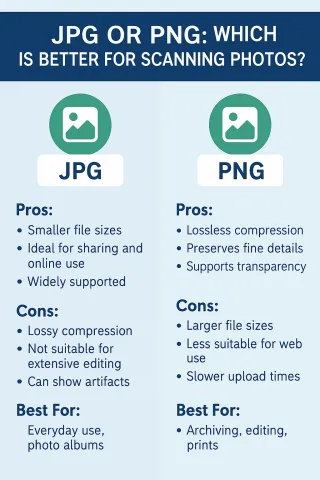
Which format is best for scanning my photos? JPG or PNG?

When digitizing old photographs, choosing the right file format can make a big difference in image quality, file size, and future use. The two most common formats for scanned photos are JPG (or JPEG) and PNG—but they serve different purposes.

At USA Imaging, Inc., we offer both formats depending on your needs. See how they compare.

So, Which Should You Choose?

Choose JPG for convenience, standard prints, and web use.

Choose PNG if quality, editing, or preservation is the priority.

At USA Imaging, Inc., we help you choose the right format for your project—and we can even provide both formats if you want flexibility.

FAQ image

Can I choose the resolution for scanned photos?

Yes, you can typically choose the resolution or quality level for your scanned photos. Higher resolutions are suitable for printing, while lower resolutions are ideal for digital sharing.

FAQ image

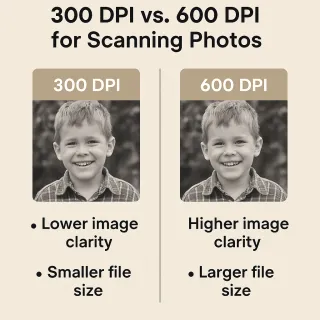
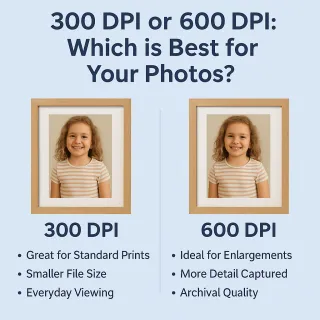
What is the best DPI for scanning my photos—300 or 600?

If you’re planning to digitize your photo collection, one of the most important decisions is choosing the right DPI (dots per inch) for scanning. The DPI setting determines the level of detail captured in each image, and it directly impacts both file size and image quality.

At USA Imaging, Inc., we offer photo scanning at both 300 DPI and 600 DPI, depending on your needs. But how do you know which is best?

300 DPI: Great for Everyday Photo Preservation

Best for: Standard 4x6 prints, photo albums, family snapshots

File Size: Smaller files, faster processing

Use Case: If you’re preserving photos primarily for viewing on screens, making prints up to the original size, or archiving your family collection without heavy editing, 300 DPI offers excellent clarity and efficiency.

Think of it as your go-to resolution for everyday digitizing—sharp enough to preserve memories, light enough to share easily.

600 DPI: Best for Restoration, Archiving, and Enlargements

Best for: Older or fragile photos, detailed images, enlargements

File Size: Larger files, more storage required

Use Case: If you plan to restore, retouch, or enlarge photos beyond their original size, 600 DPI captures significantly more detail. It’s ideal for archiving historic photos or preparing images for reprints and displays.

600 DPI is also the preferred choice when working with black-and-white or faded photos, where extra resolution can help in bringing out subtle details during digital restoration.
FAQ image

How can I ensure the privacy and security of my scanned photos?

To maintain privacy and security, USA IMAGING follows strict data protection protocols, including encryption and secure storage. All images and information is kept confidential.

FAQ image

What happens to my original photos after scanning?

You can choose to have your original photos returned to you or securely disposed of, depending on your preference.

How long does it take to scan a large collection of photos?

The time required depends on the volume of photos and the scanning service's capacity. Large collections may take several days or weeks to scan thoroughly.

What are the costs associated with photo scanning?

Costs vary depending on factors like the number of photos, resolution, additional services (such as image enhancement), damage repair, orientation correction, etc. We offer pricing per photo or shoebox bundle options for larger collections.

Ready to get your photos digitized?

Preserve your legacy today.

(858) 513-6565

12923-D Pomerado Rd. Poway, CA 92064

Main Hours: Mon - Fri: 8am - 5pm (after hours & weekends by appointment only.)

USA IMAGING, Inc.

© 2023 by USA IMAGING, Inc.. All rights Reserved. Powered by: Top Run Marketing.